
How To Use the Mercedes-Benz Head-Up Display

How To Use the Mercedes-Benz Head-Up Display
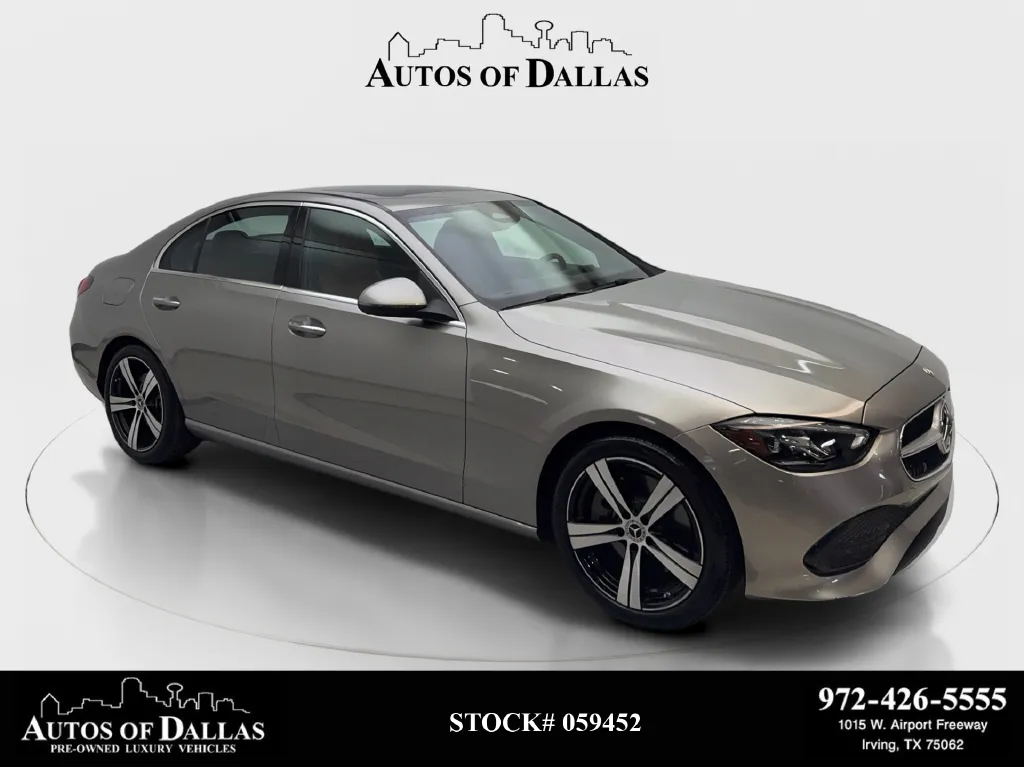
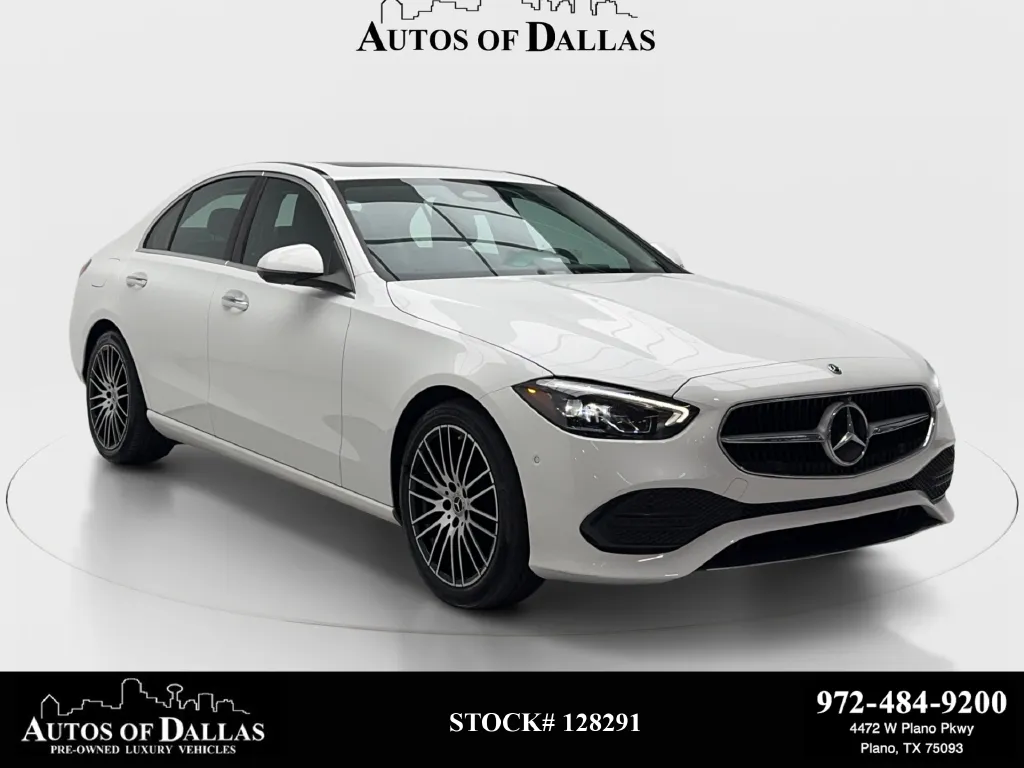
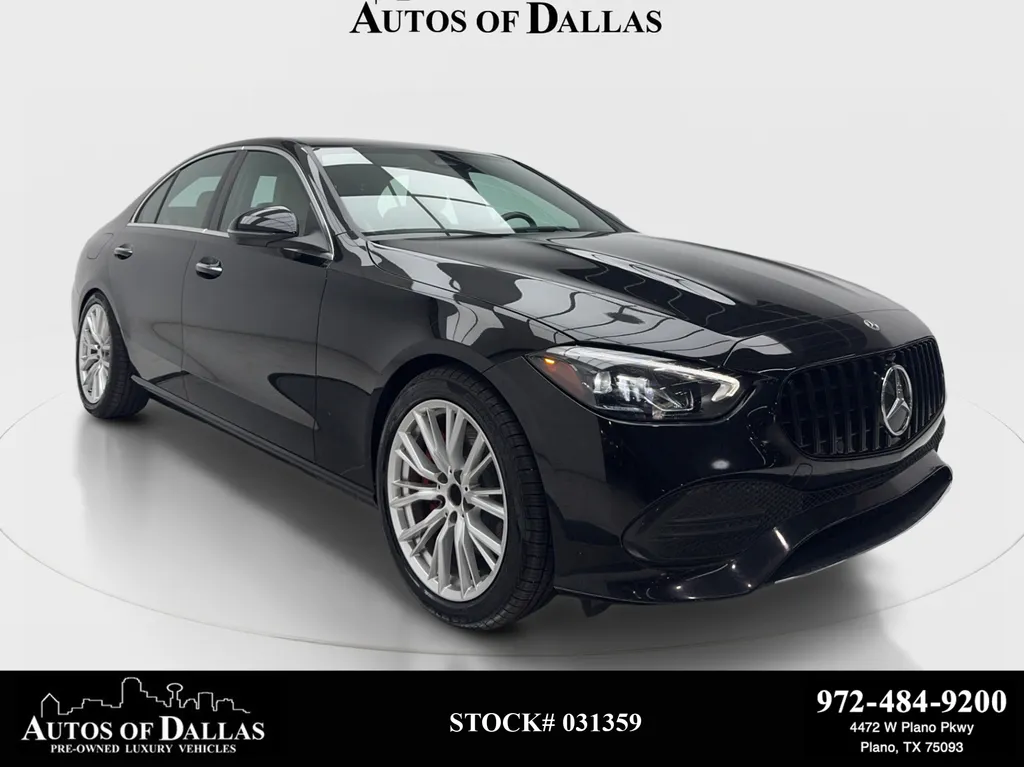
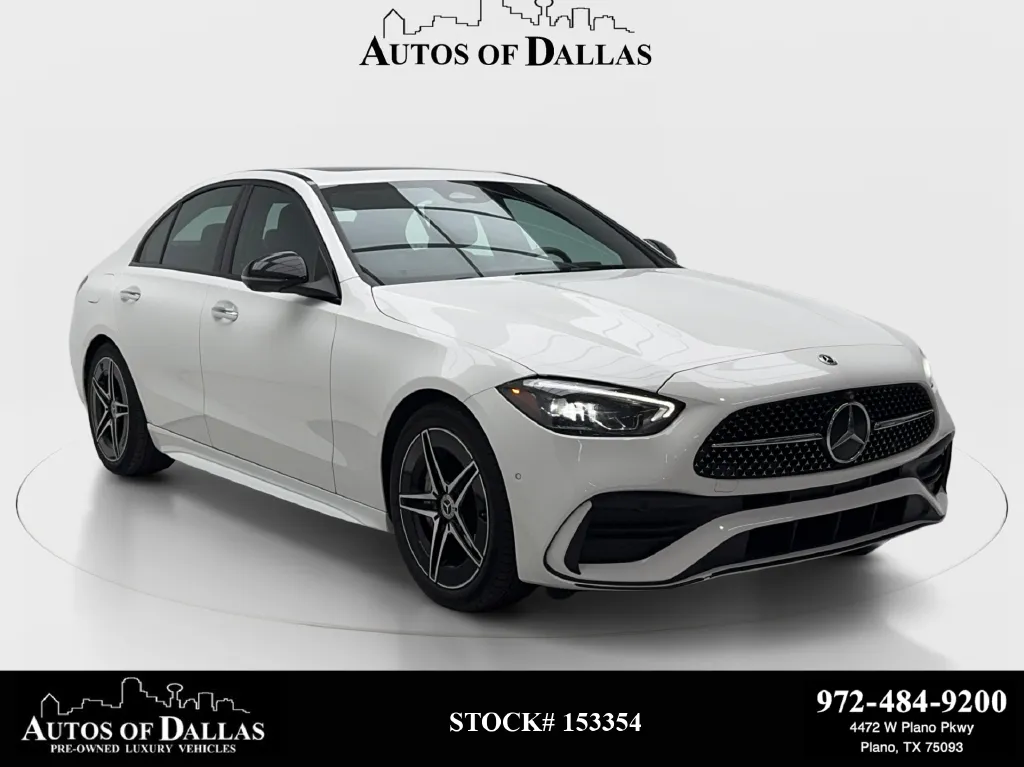
Driver Education 101 – keep your eyes on the road. Mercedes-Benz models equipped with the innovative color Head-Up Display will provide you with important information – current speed, navigation, traffic signs and cruise control speeds – projected on the windshield at eye level. Learn how to use the Mercedes-Benz Head-Up Display with this quick step-by-step how-to guide created by Autos of Dallas. Find a pre-owned Mercedes-Benz C-Class that will fit your budget when you visit the Autos of Dallas inventory !
READ MORE: How To Use Mercedes-Benz Paddle Shifters
Step-By-Step Instructions To Use the Mercedes-Benz Head-Up Display
- Press the Mercedes-Benz Head-Up Display Button on the Left Side of the Dashboard
- Press the Home Button on the Steering Wheel to Adjust Settings
- Use Up and Down Arrows to Select Settings Menu
- Press OK to Select Settings
- Use Up and Down Arrows to Select Head-Up Display
- Press OK to Select Head-Up Display
- Use Up and Down Arrows to Select Brightness or Position
- Press OK to Select the Category
- Use Up and Down Arrows to Change Head-Up Display Settings
- Press OK to Save Changes
Categories

What's your car worth?
Get your trade-in valueCheck out our featured vehicles