

How To Use Lexus Enform Navigation Features and Capabilities
How To Use Lexus Enform™ Navigation Features and Capabilities
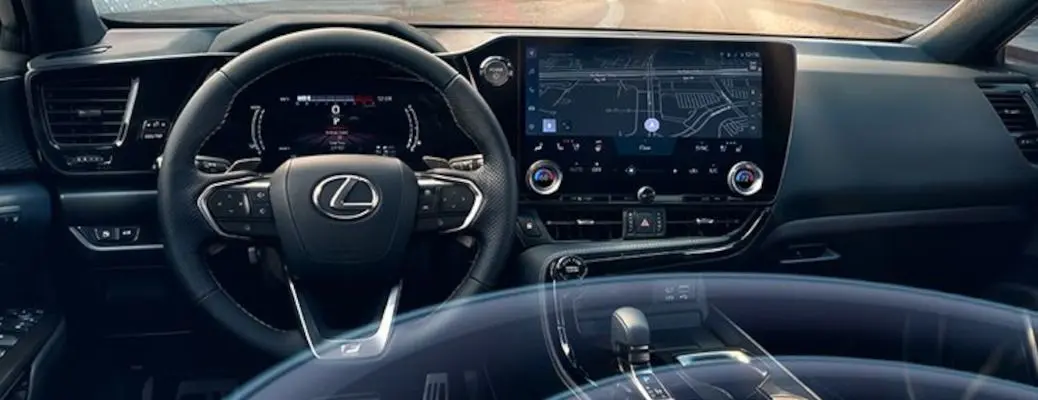
We love the Lexus brand at Autos of Dallas! Equipped with the innovative Lexus Enform™ touchpad infotainment system, Lexus models keep you connected and employ an easy-to-use navigation system to help get from Point A to Point B. Learn how to use the Lexus Enform™ navigation features and capabilities in your pre-owned Lexus ES with this step-by-step guide and how-to video. Explore the Autos of Dallas inventory today to find a pre-owned Lexus model armed with Lexus Enform technology!
READ MORE: How To Connect to the Lexus Enform™ Infotainment System with Bluetooth
How To Use Lexus Enform™ Navigation
- Start Your Lexus Car or Crossover
- Press the MAP Button by the Lexus Enform™ Touchpad
- Select Favorite Destinations or Home on the Map Screen
How To Set a Destination withLexusEnform™Navigation
- Select the Destination Icon in the Top Left of the Menu
- Select the Home Icon to Navigate to Your Home
- Select Destination Assist to Call a Live Lexus Agent
- Select Favorites to Choose Favorite Destinations
- Select Address to Input a Destination by Address
- Select Recent to Navigate to Previous Destinations
- Select Point of Interest to Add Important Locations
- Press the Back Arrow to Return to Map View
Categories

What's your car worth?
Get your trade-in valueCheck out our featured vehicles