
How To Connect to the Infiniti InTouch Infotainment System with Bluetooth
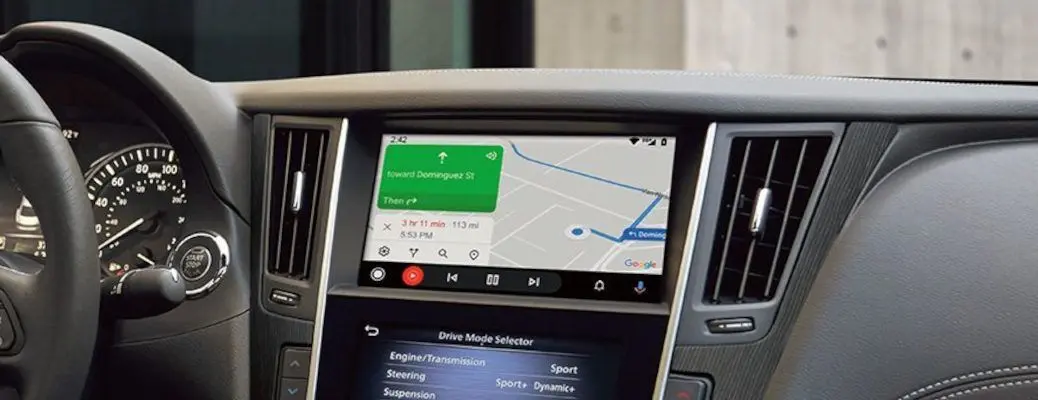
How To Connect to the Infiniti InTouch™ Infotainment System with Bluetooth
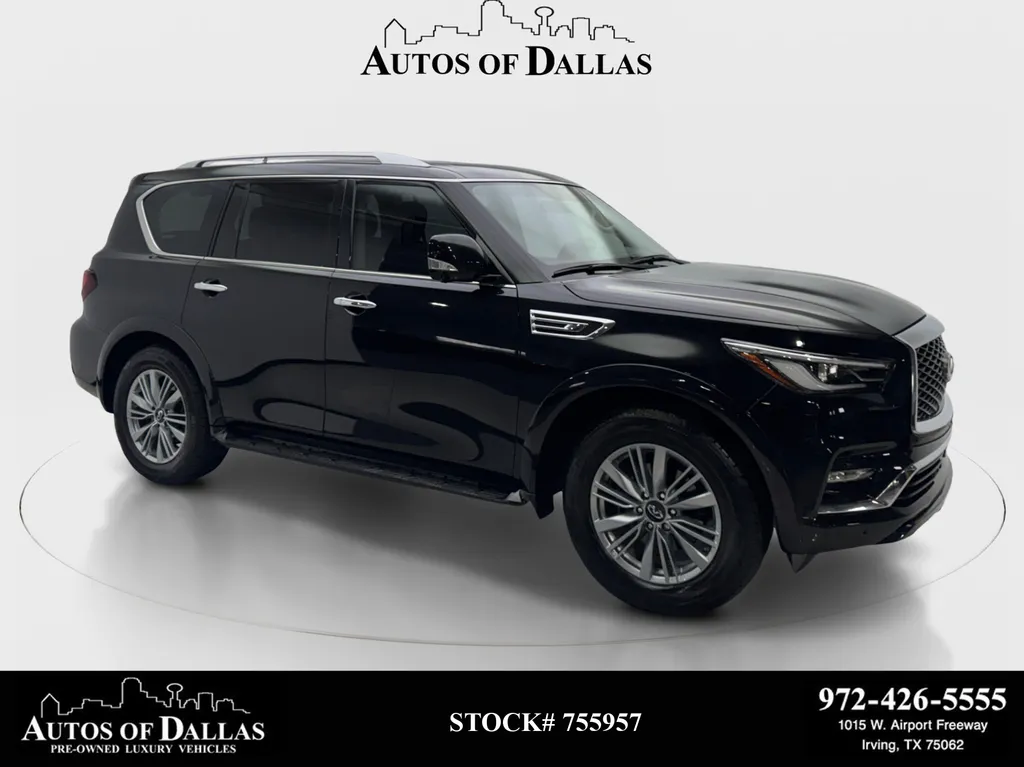
When we get asked what our favorite luxury brands are at Autos of Dallas, Infiniti is always up near the top of the list. If you are the proud owner of a pre-owned Infiniti QX80 from Autos of Dallas and you are new to the luxury brand, you may want to learn how to connect to the Infiniti InTouch™ touchscreen infotainment system with Bluetooth. Use this quick step-by-step guide and how-to video to learn more. Visit the Autos of Dallas inventory today to find a pre-owned luxury car or crossover to fit your lifestyle!
READ MORE: How Much Cargo and Passenger Space is in the Infiniti QX80?
How-To Guide to Pairing Your Smartphone with Infiniti InTouch™
- Activate Bluetooth on Your Smartphones
- Access the Infiniti InTouch™ Settings Menu
- Select SETTINGS on the Touchscreen Display
- Select BLUETOOTH on the Touchscreen Display
- Select CONNECT DEVICE
- Select ADD NEW to Register a Bluetooth Device
- Enter the PIN Number that Appears on Your Smartphone
Categories

What's your car worth?
Get your trade-in valueCheck out our featured vehicles