
How To Use the Infiniti InTouch Navigation System and Features
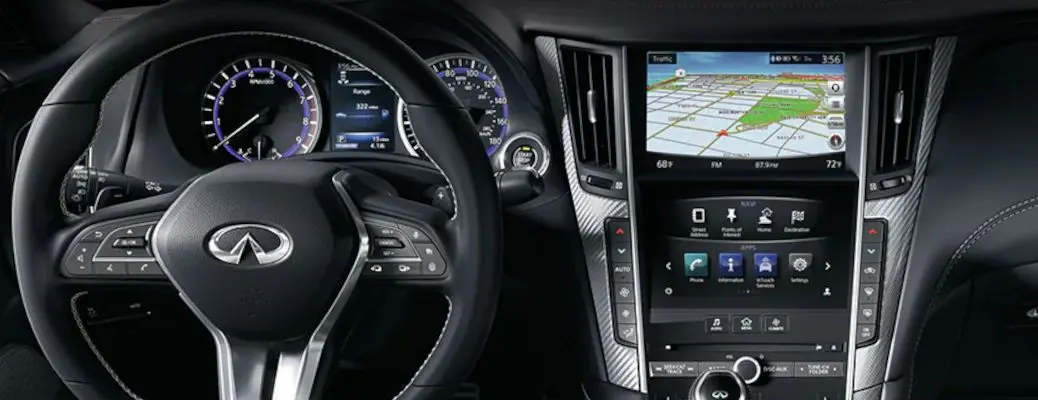
How To Use the Infiniti InTouch™ Navigation System and Features
Are you planning a family road trip in your pre-owned Infiniti QX80 ? If you are new to the Infiniti brand and the Infiniti InTouch™ touchscreen infotainment system, you may want to learn how to use the Infiniti InTouch™ navigation system and features prior to your next family adventure. With Infiniti InTouch™ Navigation at your disposal, you can set a travel destination, change map settings, plan a route and avoid heavy traffic. Check out this quick how-to video series and guide to better understand the Infiniti InTouch™ infotainment and navigation systems. Visit the Autos of Dallas inventory today to find a pre-owned Infiniti model to fit your lifestyle and budget!
READ MORE: How To Connect to Infiniti InTouch™ with Bluetooth
How To Set a Destination with Infiniti InTouch™ Navigation
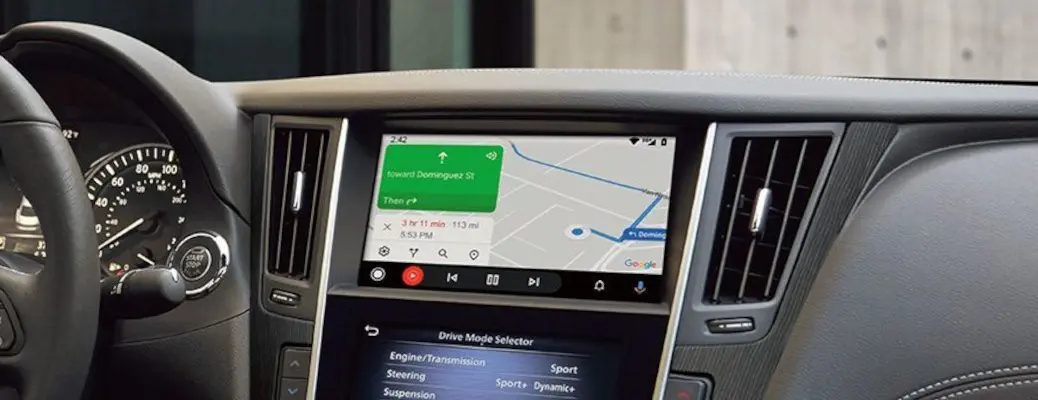
- Press the MENU/NAVI Button on the Center Console
- Select NAVIGATION on the Touchscreen Display
- Select Destination AND Street Address, Point of Interest, Home or Destination
- Choose Your Desired Search Method
- Enter the State/Province, City or Street Address OR Set a Destination on the Map
- Choose Route Calculation Method – Fastest, Shortest or Energy Saving