

How To Use Apple CarPlay in the BMW 5 Series
How To Use Apple CarPlay in the BMW 5 Series
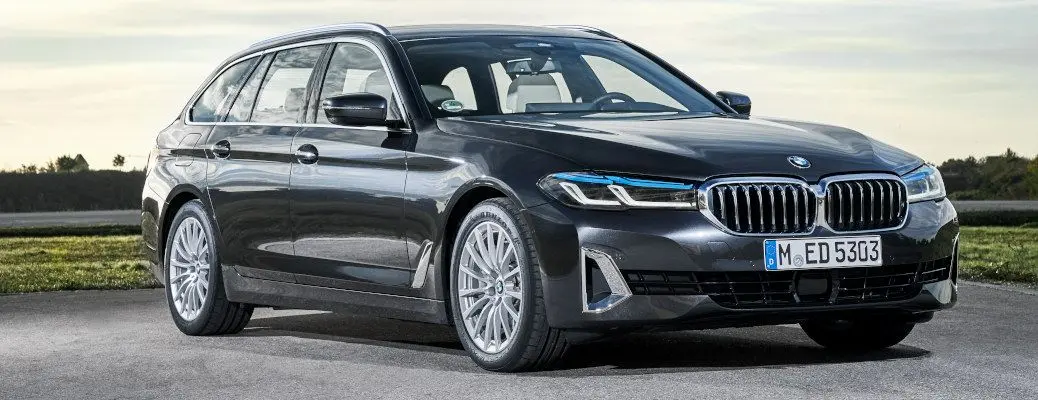
Stay connected no matter where you are with Apple CarPlay in your pre-owned BMW 5 Series at Autos of Dallas . With one-touch access to your favorite Apple iOS apps, contacts and music via the BMW iDrive infotainment system , Apple CarPlay will keep you connected no matter where life may take you. Learn how to use Apple CarPlay in the BMW 5 Series with this quick step-by-step guide and how-to video. Find your dream car at a dream price today when you visit the Autos of Dallas online inventory !
READ MORE: How To Use the BMW 3 Series Sport Mode
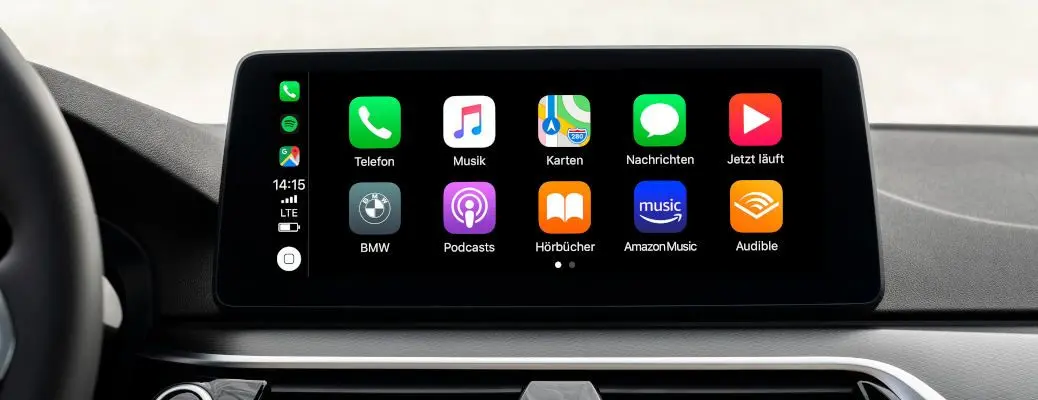
How To Setup Apple CarPlay in Your BMW
- Select the BMW iDrive Communications Menu
- Select Manage Mobile Devices
- Select Connect New Device
- Select Apple CarPlay
- Select Confirm to Send Data to Your Apple iOS Device
- Turn On Wi-Fi, Bluetooth and Siri on Your Apple iPhone
- Select General in the Settings Menu and CarPlay
- Ensure Vehicle Identity Numbers Match
- Select Pair on Your Apple iPhone and OK on the iDrive Screen
- Allow Contacts and Favorites to Sync
Categories

What's your car worth?
Get your trade-in valueCheck out our featured vehicles